In the vast and visually stunning world of ODIN Valhalla Rising, efficient gameplay can make all the difference—especially when grinding, farming, or progressing through tougher zones. One often-overlooked mechanic that can dramatically boost your performance is the auto skill setting system. With the right configuration, you can reduce downtime, maximize DPS, and even stay competitive without babysitting your character 24/7.
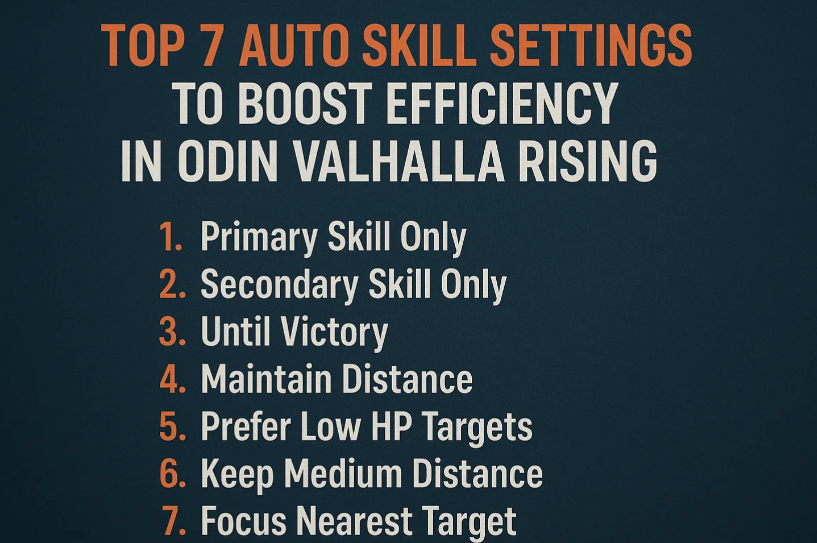
Here are the top 7 auto skill settings to help you get the most out of your journey through Midgard and beyond.
1. Prioritize Low-Cooldown AoE Skills for Farming
When setting up your auto skills for farming in crowded zones, prioritize area-of-effect skills with short cooldowns. These help clear mobs quickly, especially in contested areas where every second counts. Look for skills that trigger in a wide radius and pair well with your class’s passive effects.
2. Set Healing or Defensive Skills to Auto Trigger Below 60% HP
Many classes in ODIN Valhalla Rising have at least one self-sustain or defensive buff. Setting these to activate when your health drops below 60% adds an extra layer of survival, especially in high-traffic zones or during long AFK sessions. If you’re running dungeons solo, consider setting the threshold even higher.
3. Manage Buff Timers with Smart Intervals
Buff skills often get wasted when left on full auto. Instead of toggling them to repeat constantly, assign them to specific cooldown intervals. This prevents overlap and helps maintain optimal uptime without wasting mana.
4. Assign Your Ultimate to Manual or Conditional Use
Ultimates usually deal massive damage or provide powerful utility, but they often have long cooldowns. It’s best to assign them to manual use or to a condition like “Boss HP below 50%.” This ensures you’re not blowing key abilities on weak trash mobs.
5. Use Crowd Control Skills Sparingly in Auto Mode
Stuns, roots, and slows are useful—but in auto combat, they often get used inefficiently. If you’re in a PVP zone or contested boss area, it’s better to disable these from auto rotation unless you’re running a CC-heavy build.
6. Tailor Auto Skills Based on Gear and CP
Your auto settings should evolve as your power grows. If you’ve recently upgraded your gear or spent ODIN Diamonds on powerful enhancements, revisit your skill setup. Higher CP allows you to take more risks, so you might want to enable more aggressive skill chains.
7. Create Multiple Presets for Different Scenarios
One of the most underrated features is the ability to save multiple auto skill presets. Set one for AFK farming, another for boss fights, and a third for guild activities. Switching between them before entering different content can drastically improve your efficiency and performance.
Mastering the auto skill system isn’t just about convenience—it’s about optimizing every minute you spend in the world of ODIN. Whether you’re grinding to level up, farming for rare loot, or pushing competitive content, a well-tuned auto setup can be the edge you need.
And if you’re looking to speed up your progress or grab that missing piece of gear, many players choose to buy ODIN Diamonds for convenience. Just make sure to spend them wisely—whether it’s on gear, pets, or extra inventory slots, every diamond counts.